A private, encrypted connection for family & friends

SAAS VPN wraps your traffic in real WireGuard encryption, with the same clean interface across your PC and phone — its own account, built just for this.

Free to register · no card needed · one PC + one phone per account
Download for
Windows
Coming soon on
Android
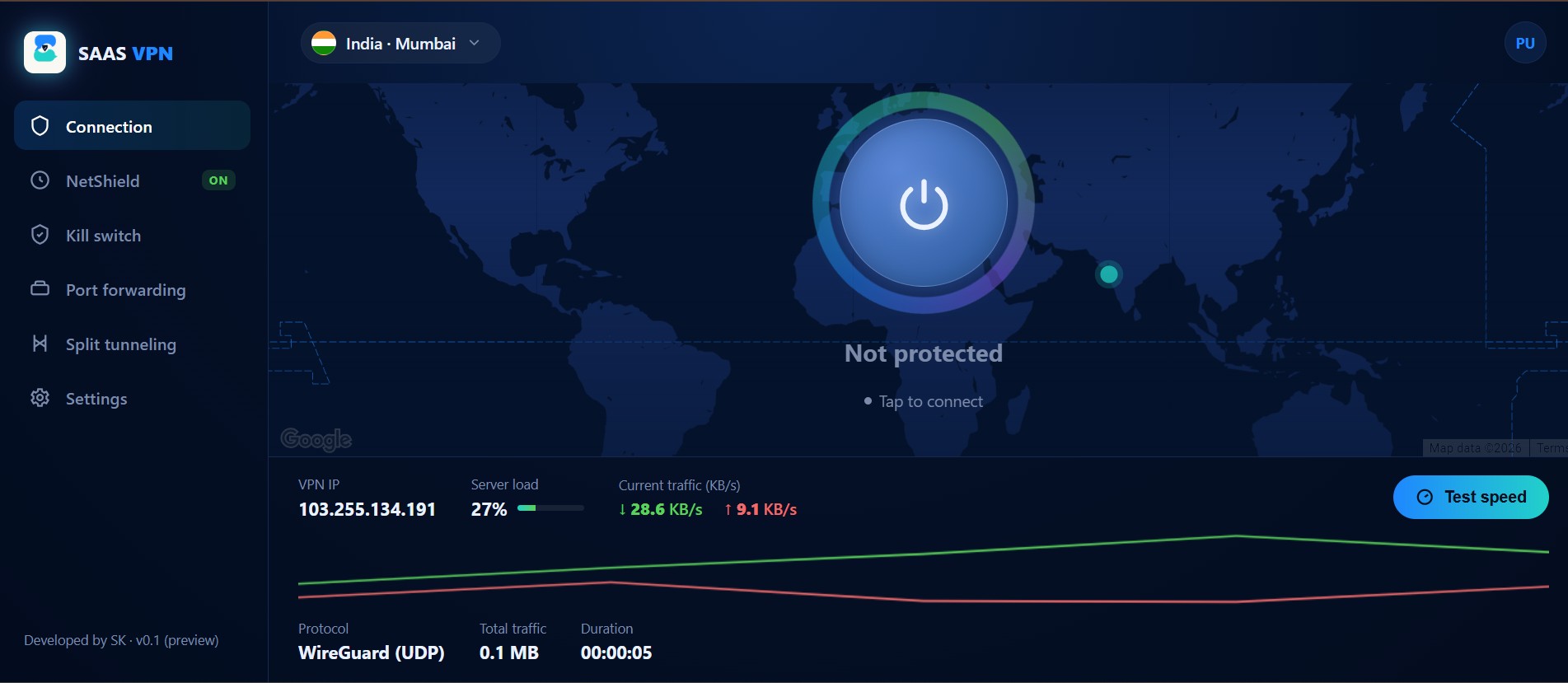
SAAS VPN app running on Windows
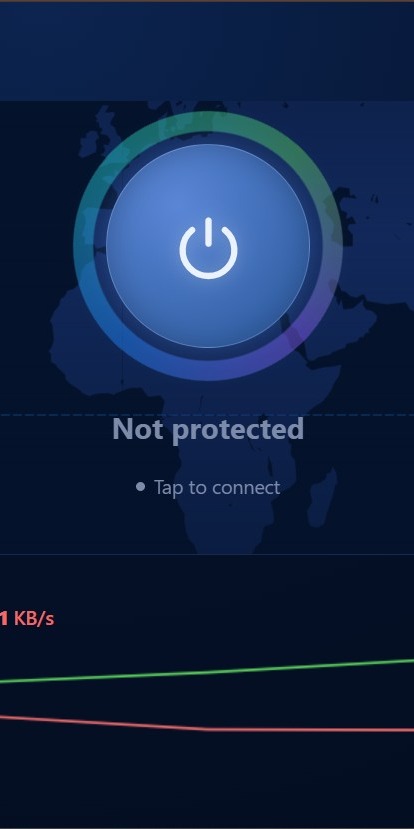
SAAS VPN app connect screen
REAL PEOPLE, REAL PRIVACY

Built for family, friends, and everyday use

SAAS VPN started as something private for our own household — now it covers everyone we share it with.

Family using SAAS VPN on a laptop at home

At home, with family

Whether the kids are streaming, gaming, or doing homework online, SAAS VPN keeps every device on the home network encrypted — no extra setup for anyone.

Friends using SAAS VPN together on a laptop

Wherever you're working

A café, a hill-station balcony, or a friend's place — SAAS VPN keeps your connection just as private as it is at home, on any network you join.

Friends working together on a laptop

Better together

Bring friends onto the same account rules — one PC and one phone each — so everyone stays protected without the connection slowing down.

Personal, private use of SAAS VPN

Just for you

Sometimes it's simply about your own privacy — browse, bank, and message without a second thought about who might be watching.

WHY SAAS VPN

Everything you need, nothing you don't

Real WireGuard underneath, a straightforward app on top — no gimmicks.

Real WireGuard encryption

Every connection runs on the same WireGuard protocol used by major VPN providers — fast and modern, not a home-grown tunnel.

One account, one login

Register once with your mobile number and a 6-digit PIN — that's your SAAS VPN login on both PC and mobile.

One PC + one phone

Each account is locked to one computer and one phone, so the network stays fast and predictable for everyone using it.

NetShield

Blocks ad, tracker and known-malicious domains at the DNS level before they reach your browser.

On the roadmap

Kill Switch

If the tunnel ever drops, your internet drops with it — nothing leaks out unprotected.

On the roadmap

Port Forwarding

Open a specific port straight through to your device — handy for hosting, games, and direct connections.

On the roadmap

Split Tunneling

Choose exactly which apps go through SAAS VPN and which use your regular connection.

On the roadmap

One clean app, every platform

The exact same interface on Windows and Android — learn it once, use it everywhere.

More locations coming

We're starting with one fast India server and adding more locations as the network grows.

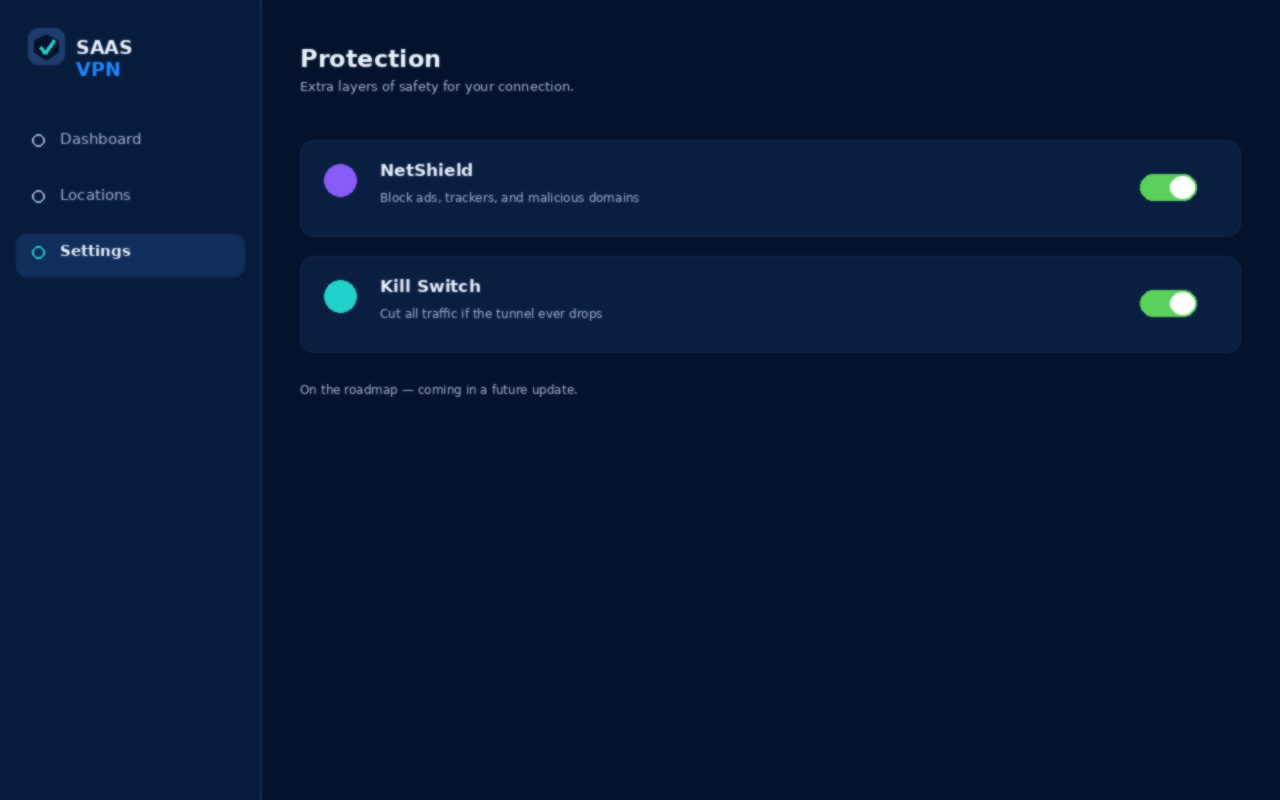
NetShield and Kill Switch settings screen
ON THE ROADMAP

Smarter blocking with NetShield, safer drops with Kill Switch

NetShield

Blocks ads, trackers, and known-malicious domains at the DNS level — before they ever load in your browser.

Kill Switch

If the WireGuard tunnel ever drops unexpectedly, your internet access drops with it, so nothing slips out unencrypted.

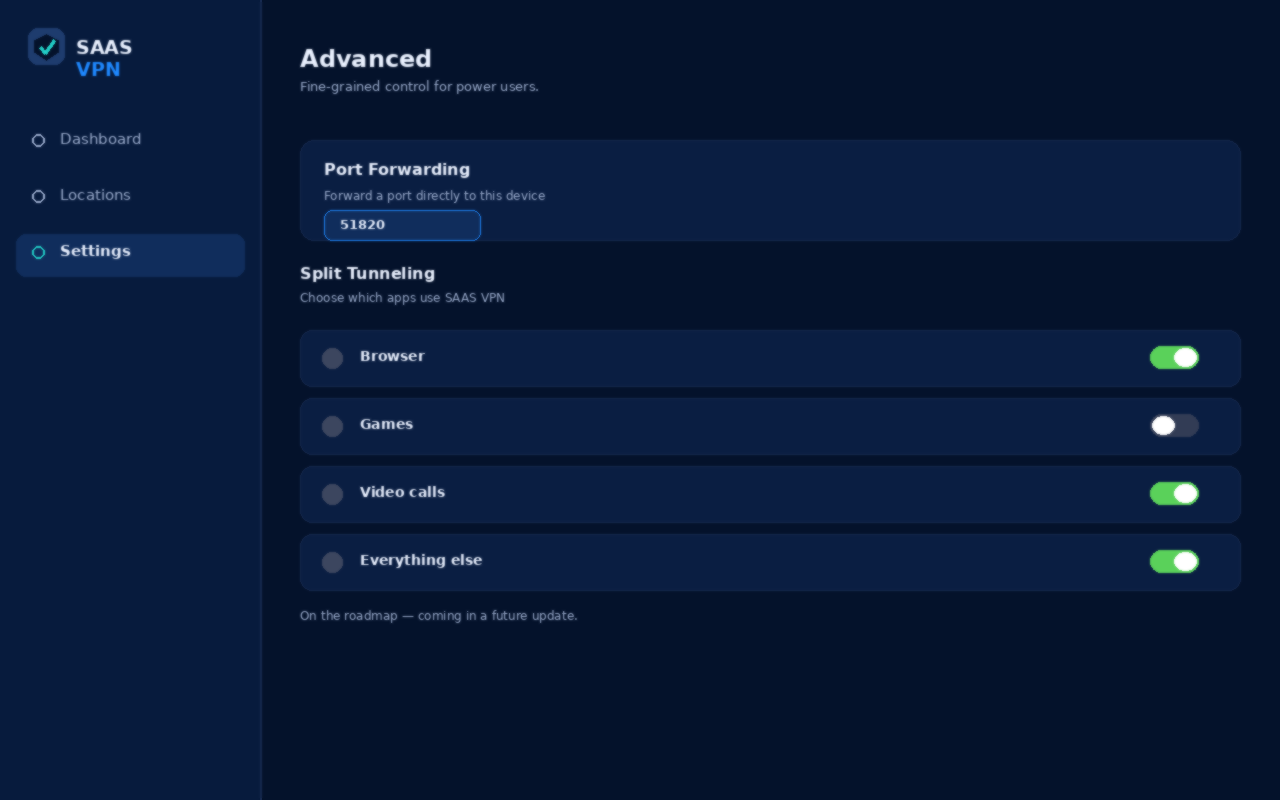
Port Forwarding and Split Tunneling settings screen
ON THE ROADMAP

Fine-grained control: Port Forwarding and Split Tunneling

Port Forwarding

Open a specific port straight through to your device — useful for hosting, gaming, and direct peer connections.

Split Tunneling

Pick exactly which apps route through SAAS VPN and which use your normal connection, app by app.

HOW IT WORKS

Up and running in three steps

1

Register below

Just your name, mobile number, email, and a 6-digit PIN.

2

Install the app

Download the SAAS VPN app for your PC (Android coming next) and log in.

3

Tap connect

One tap, and your traffic is encrypted end to end through our server.

Create your account

Create your SAAS VPN account to get started.
Recovery PIN must be different from your login PIN — it's used only if you forget it.